Sukam Synapse API for Click-to-Call and Call Events: Computer Telephony Integration (CTI) Guide
This guide covers Computer Telephony Integration (CTI) using the Sukam Synapse API.
What is Sukam Synapse?
Sukam Synapse is a PBX (Private Branch Exchange) solution based on the Asterisk Engine.
-
- Core Features: A full-fledged IPPBX with CTI, IVR (Interactive Voice Response), call recording, and more.
-
- Installation: Can be installed on a regular PC.
-
- Integration: Can integrate with any existing EPABX system.
-
- Line Compatibility: Works with PRI, PSTN, VOIP, GSM, or various other lines/gateways.
Key Benefits of Integration
Integrating your application with Sukam Synapse provides the following CTI functionalities:
-
- Click-to-Call: Initiate calls directly from your Web or Desktop application.
-
- Call Pop-up: Display call information (caller ID, etc.) in your application instantly.
-
- Call Management: Manage call logs and generate reports within your application.
-
- Recording Access: Retrieve and access call recordings from within your application.
-
- And many more functionalities…
 Technology Setup
The integration requires setting up two key components to communicate.
| Component | Location | Role | |
| 1. Sukam Synapse / Asterisk Server | Office or Cloud | Manages all telephony and PBX functions. |  |
| 2. Your Application Server (e.g., LAMP) | Cloud or On-Premise | Hosts your Web/Desktop application. |  |
Connectivity Requirements
-
- Network: Both servers must be able to ping each other.
-
- Data Flow: Connectivity is used only for transferring information (commands/events), not for carrying the actual call voice data.
-
- Bandwidth: Required bandwidth is 200 kbps.
-
- Latency: Latency should be less than 100ms.
Three Key Steps for Integration
To enable all CTI functionalities, you need to manage three core aspects:
-
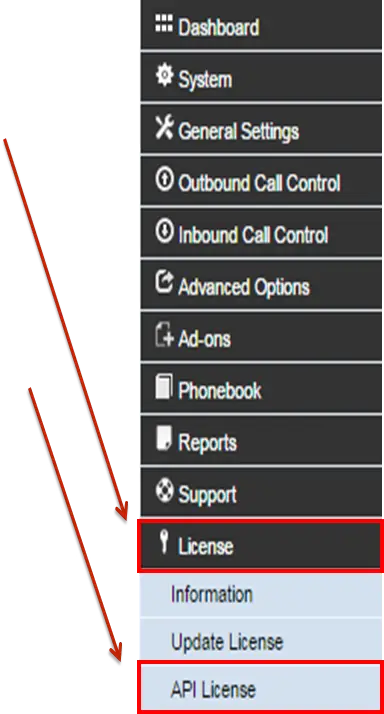
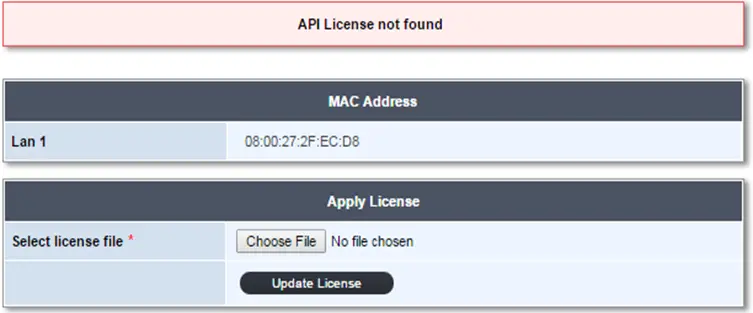
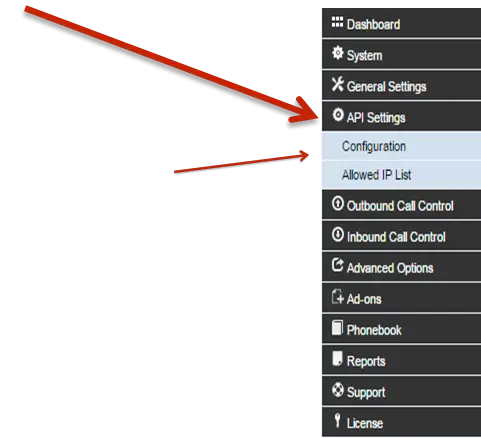
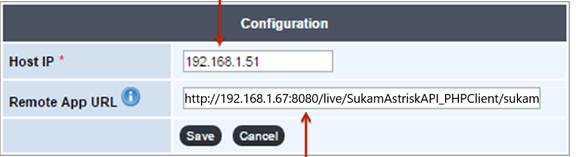
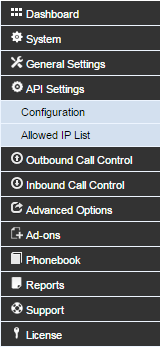
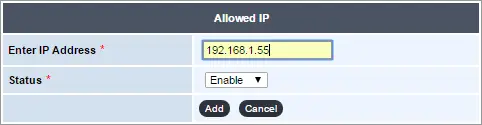
- Activate & Configure the Synapse API License (to recognize your application).
-
- Give Call Commands to Sukam Synapse (originate, transfer, hang-up).
-
- Get Call Events from Sukam Synapse (start, connect, hang-up, records).