
By Maninder Paul Singh Bakshi
Main रोज़ business owners से बात करता हूँ — immigration firms, property dealers, coaching centers, trading businesses, MSEs…
और हर जगह एक चीज़ common है:
पहले दिन सब Excel से शुरू करते हैं।
30वें दिन सब frustration में CRM तलाशते हैं।
Sach batau?
Excel गलत नहीं है.
बस उसकी limit है.
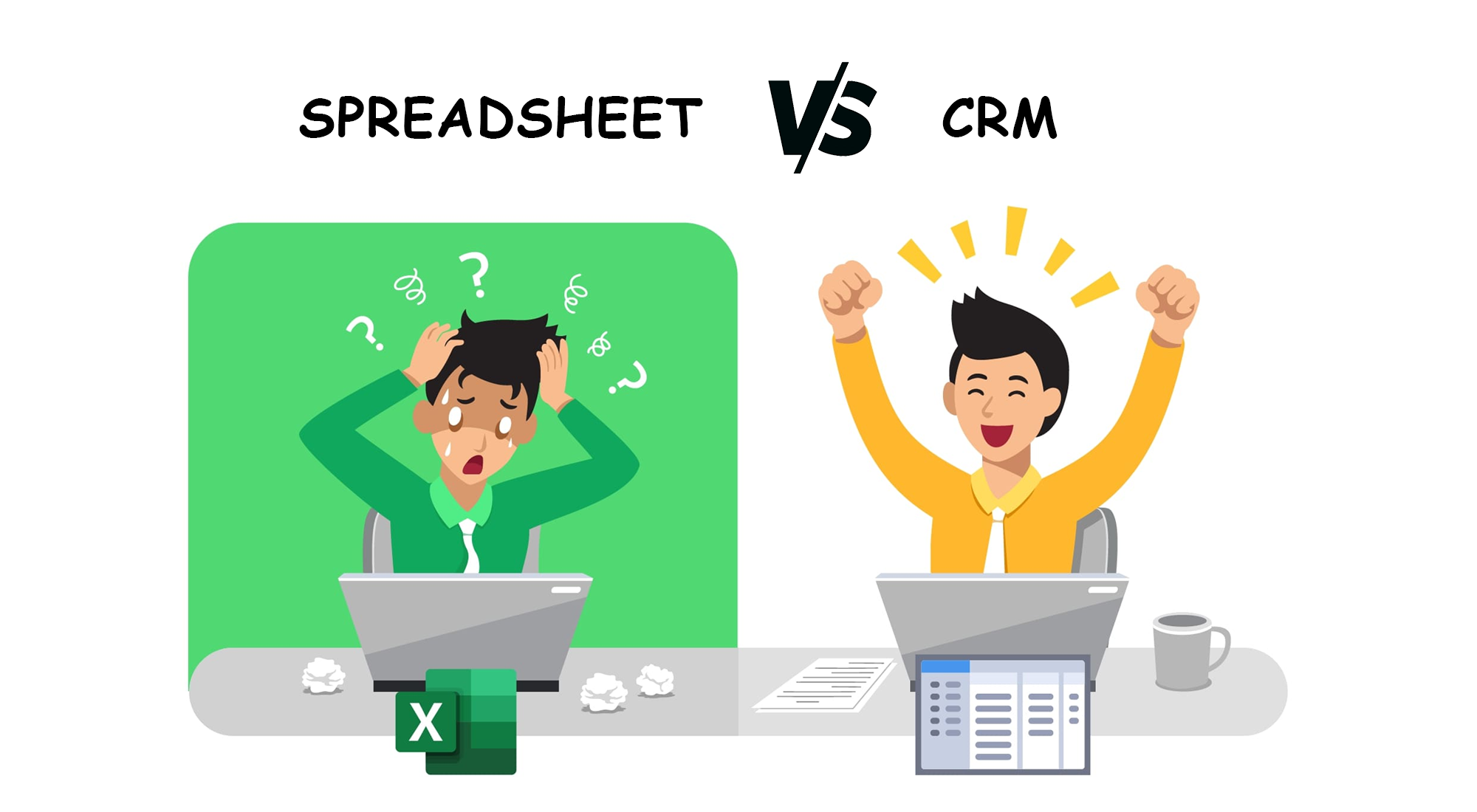
आओ real-life language में समझते हैं — CRM और Excel में असली फर्क क्या है।
1️⃣ Excel Data रखता है.
CRM Data भी संभालता है… और काम भी करवा देता है.
Excel बस एक file है.
CRM पूरा system है.
Excel में data पढ़ने के लिए आपको खोलना पड़ता है.
CRM खुद आपको याद दिलाता है:
- किसको call करनी है
- किसका follow-up देना है
- किसने message नहीं पढ़ा
- कौन interested है
- कौन ignore कर रहा है
Excel देखो → काम करो.
CRM बताता है → काम करवाता है.
2️⃣ Excel में follow-up miss होना guaranteed है
India के 90% business में सबसे बड़ा problem यही है:
Follow-up miss → lead dead → business loss.
Excel में follow-up रखना possible है—but:
- एक गलती
- एक entry छूट गई
- एक दिन busy हो गए
बस… lead गयी।
CRM follow-up को भूलने नहीं देता.
Reminder आ जाता है.
App में pop-up आता है.
Calendar में schedule दिख जाता है.
Follow-up discipline में आ जाता है.
3️⃣ Excel team work के लिए नहीं बना
आप Excel किसी को भेजते हो.
वो बदलाव करता है.
फिर file वापस भेजता है.
फिर version 2, version 3, version 4…
फिर WhatsApp पे file घूमती रहती है.
5 लोग एक ही Excel में काम ही नहीं कर सकते बिना confusion के.
CRM में सभी लोग एक ही जगह real-time काम करते हैं:
- Real-time updates
- Notes shared
- Call history shared
- No duplicate entries
- No confusion
Pure teamwork.
4️⃣ Excel calls को track नहीं करता
Excel:
❌ Call record नहीं करता
❌ Call connect दिखाता नहीं
❌ Customer क्या बोला—पता नहीं
❌ Missed calls का कोई system नहीं
❌ Auto-dial नहीं
CRM:
✔ Call recording
✔ Call tracking
✔ Auto-dial
✔ Missed-call alert
✔ Customer history
✔ Remarks
Business में ये ही game changer है.
5️⃣ Excel “Status” बदलने की जगह देता है…
CRM “Process” follow करवाता है
Excel में आप बस लिख देते हो:
- Follow-up
- Interested
- Not interested
- Busy
- Documentation pending
बस.
Excel आपके लिखने पर निर्भर करता है.
CRM में proper process होता है:
Call → Notes → Reminder → Follow-up → Status → Next action
System telecaller को guide करता है.
Boss को भी दिखता है कि कौन काम कर रहा है और कौन नहीं.
6️⃣ Excel reporting में समय लगता है.
CRM reporting एक क्लिक में मिलती है.
Excel:
- Filters lagao
- Pivot banाओ
- Sorting करो
- Save as भेजो
- फिर update करो
CRM:
One-click:
- आज कितने calls
- कितने new enquiry
- कितना follow-up pending
- Staff performance
- Hot vs Cold leads
- किस agent ने सबसे अच्छा काम किया
Reporting बिना मेहनत.
7️⃣ Excel सिर्फ data रखता है.
CRM business चलाता है.
Excel passive है.
CRM active है.
Excel एक copy रखता है. CRM आपकी पूरी मशीन चलाता है.
Excel = Record keeping
CRM = Sales engine
Excel useful है—but सिर्फ पहले 30 days के लिए.
Team बढ़ी → lead बढ़ी → calls बढ़ीं
Excel fail.
Conclusion:
Excel अच्छा है… CRM ज़रूरी है.
अगर आपकी business में:
- daily calls होती हैं
- leads आते हैं
- follow-up होना है
- staff है
- customer history चाहिए
- documents manage करने हैं
- WhatsApp + call tracking चाहिए
- auto reminders चाहिए
तो Excel कभी भी CRM की जगह नहीं ले सकता.
CRM आपकी team को disciplined बनाता है,
और business को predictable बनाता है.