 Official WhatsApp Business API
Bulk WhatsApp Sender on the Official WhatsApp API
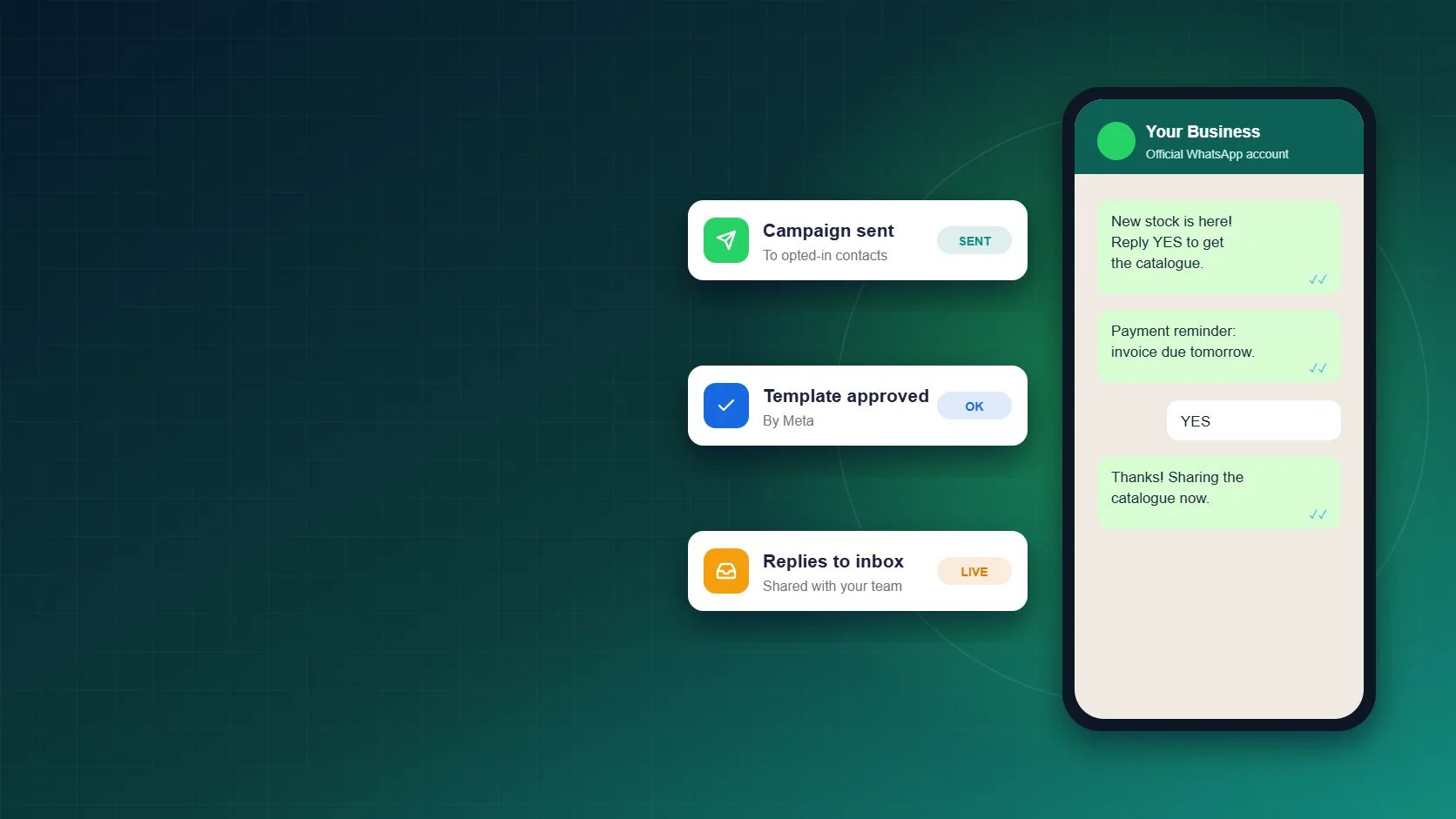
Send offers, reminders and updates to thousands of customers who opted in, without risking your number on unofficial sender apps. Track every reply in Sukam Apps CRM.
Why use the official API for bulk WhatsApp
Messages go through Meta’s WhatsApp Business API, not through a normal WhatsApp app.
You message customers who agreed to hear from you, as WhatsApp requires.
See delivered, read and reply status for every campaign, live.
Every reply lands in a shared team inbox inside Sukam Apps CRM.
What Is a Bulk WhatsApp Sender?
A bulk WhatsApp sender lets you send one message to many customers at once: a new offer, a payment reminder or an order update. Many businesses in India first try WhatsApp sender software that runs on a normal WhatsApp or WhatsApp Web account.
Those tools break WhatsApp’s terms, so the number often gets banned, and all your chats go with it. The safe way to send WhatsApp bulk messages is the official WhatsApp Business API. Sukam Apps sets it up for you and connects it to our CRM, so every campaign and every reply stays in one place.
WhatsApp Bulk Message Sender Apps vs the Official API
Here is how unofficial sender software compares with the official WhatsApp Business API.
| What matters | Unofficial sender apps | Official WhatsApp Business API |
|---|---|---|
| How messages go out | Through a normal WhatsApp or WhatsApp Web account | Through Meta’s official WhatsApp Business API |
| Your number | Can be banned for automated bulk sending | Built for business messaging when you follow WhatsApp’s rules |
| Who you message | Often people who never agreed to it | Customers who opted in |
| Message format | The same text copied into many chats | Meta-approved templates with the customer’s name and details |
| Tracking | Guesswork | Delivered, read and reply status |
| Replies | Stuck on one phone | Shared team inbox and CRM |
Read WhatsApp’s Business Messaging Policy for the full rules.
How Our Bulk WhatsApp Sender Works
- Official number setupOur team connects your business number to Meta’s official WhatsApp Business API.
- Bring your contactsUse opted-in leads and customers from Sukam Apps CRM, IndiaMART, TradeIndia, Justdial or your website.
- Get the template approvedWrite your message as a template. Meta reviews it before you can send it to many people.
- Personalise and sendAdd the customer’s name and other details, then send the campaign to the list you choose.
- Track every messageSee which messages were delivered and read, and who replied, while the campaign runs.
- Replies go to your teamReplies come into one shared inbox, so your sales team can follow up from the CRM.
What Businesses Send in Bulk on WhatsApp
-
Offers and new productsShare a new offer or new stock with interested customers.
-
Payment remindersRemind customers about due invoices before they are late.
-
Order updatesTell customers when an order is confirmed or on the way.
-
Event remindersSend reminders and short announcements to your list.
-
AMC and renewalsRemind customers before a service contract or plan runs out.
-
CataloguesSend your catalogue to leads who asked for it.
WhatsApp Rules for Bulk Messages
Follow these rules and your number stays healthy:
- Opt-in first. Message only customers who agreed to hear from you.
- Use approved templates. Meta reviews every template before it can go to many people.
- Respect the daily limit. Meta sets how many people a number can start conversations with each day. The limit grows as you send good-quality messages.
- Watch your quality. If many people block or report you, Meta can lower your limits.
Meta charges for messages by type and country. See WhatsApp Business Platform pricing for Meta’s current rates. For a full setup with CRM, see our WhatsApp Business API with CRM page, or bulk SMS, WhatsApp and RCS if you also need SMS.
Why Businesses Choose Sukam Apps
-
Jalandhar-based teamSetup and training over phone and video call, anywhere in India.
-
Since 2011More than 15 years of helping Indian businesses.
-
Dedicated support personA direct person to call, with no IVR queue.
-
Green tick helpWe prepare your profile and application. Meta makes the final decision.
Bulk WhatsApp Sender: Frequently Asked Questions
Is bulk WhatsApp messaging allowed?
Yes, when you use the official WhatsApp Business API, message customers who opted in, and send Meta-approved templates. Sending bulk messages from a normal WhatsApp app goes against WhatsApp’s terms and can get the number banned.
Will my number get blocked?
The official API is made for business messaging. Your number stays safe when you follow WhatsApp’s rules: message only people who opted in and send useful, approved templates. If many people block or report your messages, Meta can lower your limits.
How many people can I message in a day?
Meta sets a daily limit for each number on how many people you can start conversations with. New numbers start lower, and the limit goes up as you keep sending good-quality messages.
Can I send messages without the customer’s permission?
No. WhatsApp requires opt-in before you message a customer. Messaging people without permission leads to blocks and reports, which hurt your number.
How much does bulk WhatsApp cost?
There are two parts: Meta’s per-message charge and your Sukam Apps plan. Call 9914249191 or WhatsApp us and we will share an exact quote for your volume.
Can I use my existing business number?
In most cases, yes. If the number is already active on the WhatsApp app, it first has to be moved to the API. Our team guides you through the move.
Will I get the green tick?
The green tick is decided by Meta, not by us. We prepare your profile and application to give you the best chance, but nobody can guarantee it.
Do customer replies come into the CRM?
Yes. Replies land in a shared team inbox inside Sukam Apps CRM, so your team can answer and follow up on every lead.
Send Bulk WhatsApp Messages the Safe Way
Talk to our team. We will set up the official API, connect it to your CRM and help you send your first campaign.