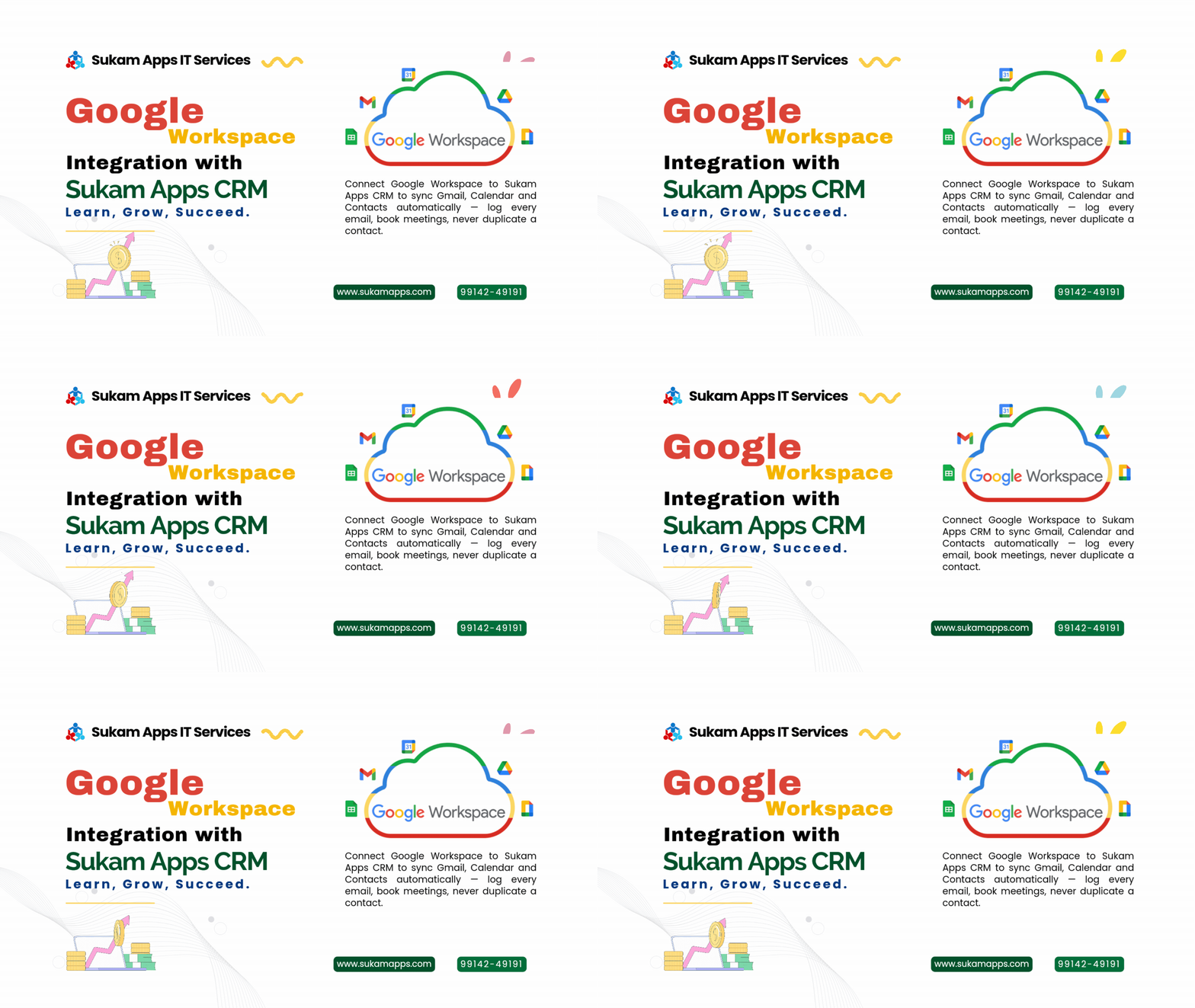
Sales teams that live in Gmail and Google Calendar often end up keeping two separate records of every customer — one inside their inbox, and one inside the CRM, if anyone remembers to update it. A Google Workspace CRM integration closes that gap, so email, meetings and contacts stay in sync automatically, without double entry.
What is Google Workspace?
Google Workspace is Google’s suite of business tools — Gmail, Calendar, Contacts, Drive and Meet — used by a large share of Indian SMBs for everyday email and scheduling. Most Sukam Apps customers already run their business email and calendars on Google Workspace, even if their CRM activity happens somewhere else entirely.
Why a Google Workspace CRM Integration Is Worth Setting Up
- Emails sent and received in Gmail are logged automatically against the matching lead or deal inside Sukam Apps CRM, so your team never loses context
- Meetings booked in Google Calendar sync directly with CRM follow-up tasks and reminders, so nothing gets scheduled twice or missed
- New Google Contacts and CRM leads stay in sync, so a rep’s phone and the CRM always show the same, up-to-date information
- Sales reps can send tracked emails from Gmail without leaving their normal workflow, while Sukam Apps CRM quietly keeps the record
- Reduces duplicate data entry across Gmail, Calendar and the CRM, saving your team time every single day
How to Connect Google Workspace with Sukam Apps CRM
- Sign in with your Google Workspace admin or user account inside Sukam Apps CRM’s integration settings
- Authorize access to Gmail, Calendar and Contacts through Google’s standard permission screen
- Choose which mailboxes and calendars should sync — usually your sales team’s accounts
- Set sync rules for logging emails and creating follow-up tasks from calendar events
- Test by sending an email or booking a meeting, and confirm it appears against the correct CRM lead
Why This Matters for Sales Teams
When email and CRM activity live in two separate places, sales managers only ever see half the picture. Deals move forward inside Gmail threads that never make it into the pipeline, and follow-up meetings get missed because they only exist on someone’s personal calendar.
A Google Workspace CRM integration puts both halves back together. Every relevant email and meeting shows up against the right lead automatically, giving managers a true, complete view of what’s actually happening with each deal, without asking reps to log it manually.
Most sales teams don’t need a new tool to fix this — they need their existing tools to talk to each other. A Google Workspace CRM integration does exactly that: it takes the email and calendar habits your team already has, and quietly turns them into CRM activity, instead of asking anyone to learn a new way of working.
Frequently Asked Questions
Does this integration work with a personal Gmail account, or only Google Workspace?
It’s built for Google Workspace business accounts, since these offer the admin controls needed for team-wide email and calendar sync.
Will every single email be logged, or just ones related to leads?
Sync rules can be set to log all email from a mailbox, or only emails matched to an existing CRM lead or deal, depending on your team’s privacy and workflow preferences.
Can I sync only Calendar, without connecting Gmail?
Yes. Gmail, Calendar and Contacts can each be enabled or disabled independently, based on what your team actually needs.
Does this create duplicate contacts between Google and the CRM?
No. Sukam Apps CRM matches contacts by email address and phone number to avoid creating duplicate records on either side.
Is this integration secure for business email data?
Yes. Access is granted through Google’s standard OAuth permission screen, and only the mailboxes and calendars you explicitly authorize are synced.
Can this integration be turned off later without losing CRM data?
Yes. Disconnecting Google Workspace stops future syncing, but emails, meetings and contacts already logged inside Sukam Apps CRM remain in the lead and deal records exactly as they were.
What a Google Workspace CRM Integration Actually Syncs
A Google Workspace CRM integration typically works across three areas at once: Gmail conversations tied to a lead, Calendar events booked with a prospect or customer, and Contacts shared between a rep’s address book and the CRM database. Each of these can be configured separately, so a team that only wants email logging, without full calendar sync, can start there and add the rest later.
For sales managers, this usually means the biggest single improvement is visibility: instead of asking reps to summarise what happened over email or in a meeting, the Google Workspace CRM integration surfaces that activity automatically, against the correct lead, without relying on anyone remembering to update a spreadsheet or a status field by hand.
For sales teams already running on Gmail and Google Calendar, this integration removes the daily friction of keeping two systems updated by hand. Pair it with Zapier CRM integration and Sukam Apps CRM to connect the rest of your sales stack the same way.