Harjeet Singh Sandhu’s tractor spare-parts shop in Moga has a listing on IndiaMART and TradeIndia. One Saturday afternoon, a workshop owner from Rajasthan sent an enquiry for a bulk quantity of filters and clutch plates. The enquiry landed in Harjeet’s email, somewhere between a bank alert and a courier update. Nobody saw it until Monday. This is the story of why Harjeet finally set up IndiaMART CRM integration.
When Harjeet called on Monday morning, the buyer was polite but brief. “Sardar ji, thank you, but we have already placed the order. Another supplier called us the same evening.”
That afternoon, Bhupi paaji stopped by the shop for chai. Harjeet told him the whole story. “Paaji, the order was right there. In my own inbox.”
The dhaba boy who runs out first
Bhupi paaji pointed at the highway outside. “You’ve seen the dhabas on this road at night. When a truck slows down, which dhaba gets it?”
“The one whose boy runs out first and waves the driver in,” Harjeet said.
“Is that dhaba’s food always better?”
“Not always.”
“Exactly. On these portals, a buyer may have sent the same enquiry to other suppliers too. The one who calls back first often has the advantage. Your filters may be the best in Punjab, but if your boy is asleep when the truck slows down, the truck stops next door.”
Key takeaway: On B2B portals, the speed of your reply matters. Every buy lead should reach the right person quickly, without depending on someone remembering to check email.
What is IndiaMART CRM integration?
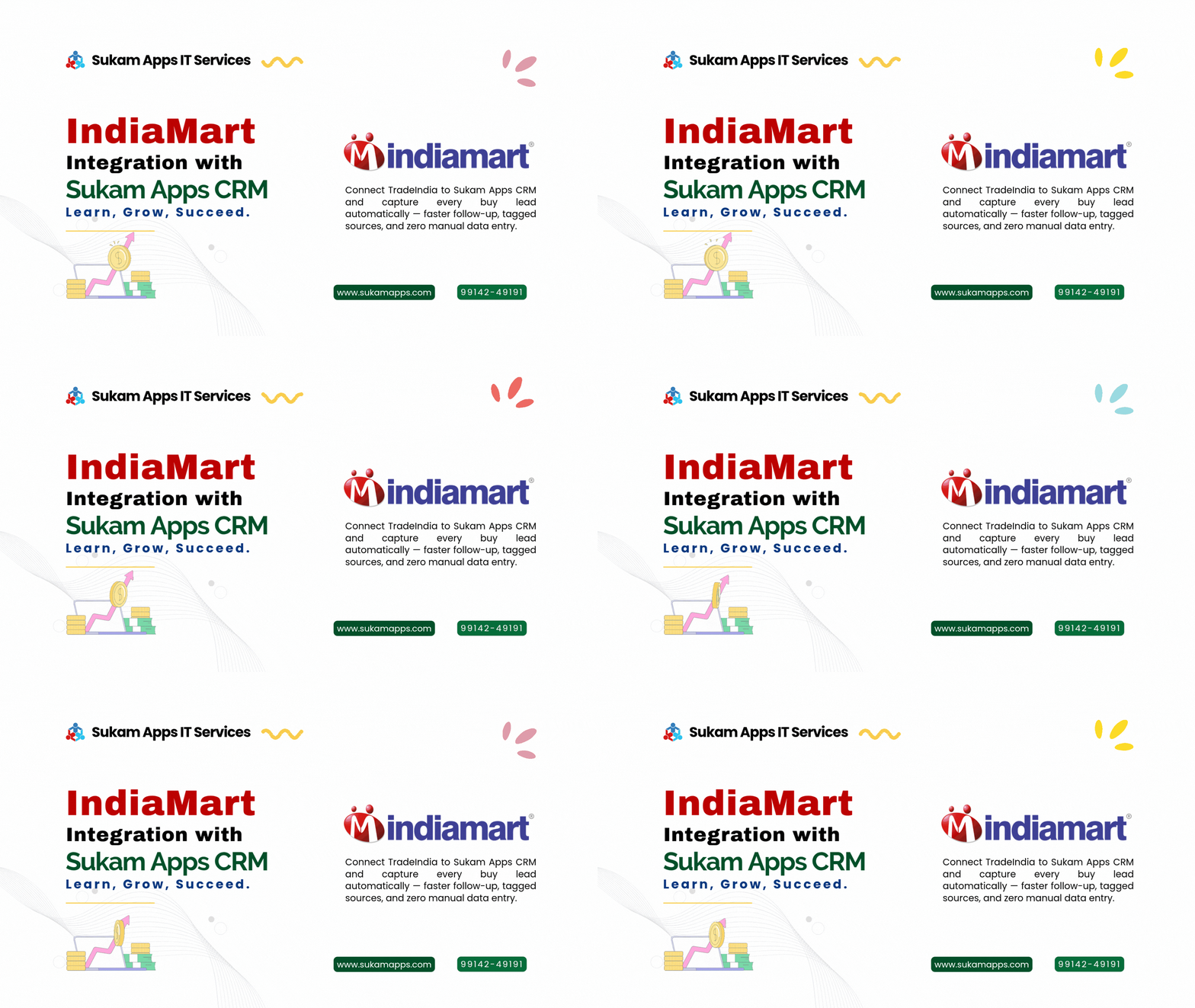
IndiaMART and TradeIndia are large B2B marketplaces where buyers send enquiries to sellers. Normally those enquiries sit in the seller dashboard and in your email, and someone has to log in, read them and pass them on. IndiaMART CRM integration connects your seller account to your CRM, so buy leads are pulled into the CRM automatically.
With Sukam Apps CRM, each new enquiry arrives with details like the buyer’s name, phone number, product, quantity and city. Your team doesn’t need to log in to the seller dashboard to find it. Sukam Apps CRM also integrates with TradeIndia and Justdial, so enquiries from all these portals land in one place.
Here is what happens when a portal lead comes in:
- Instant auto-assignment: the lead goes straight to the right salesperson, based on product category or territory.
- Source tagging: every lead is marked as IndiaMART, TradeIndia or Justdial, so you can see which portal brings what.
- Repeat enquiry matching: if the buyer has enquired before, the new enquiry is matched to their existing record, so your salesperson sees the history.
- Call and WhatsApp from inside the CRM: the salesperson can call or message the buyer from the lead screen, and the follow-up stays on record.
Should every portal enquiry get the same treatment?
Bhupi paaji had one more point. “Every truck is not the same. A truck full of hungry drivers is different from one man who only wants a cup of tea. But your boy should know the difference before he runs.”
Portal enquiries come in different types, and each deserves a different priority:
| Type of enquiry | What it usually means | How to prioritise |
|---|---|---|
| Buy lead | The buyer has posted a requirement | Call quickly, check the fit, send a quotation |
| Get best price | The buyer is comparing rates | Reply fast with a clear price and terms |
| Bulk order | Larger quantity and bigger value | Give it to a senior salesperson and call first |
| Repeat buyer | Has bought or enquired before | Route to the same salesperson and check the history |
Sit with your team once, agree on these priorities, and then set up your CRM assignment rules so the right enquiries reach the right people.
How do you set up IndiaMART CRM integration?
The setup itself is simple, and the Sukam team guides you through each step:
- Step 1: Log in to your IndiaMART seller panel and get your seller CRM / Push API key.
- Step 2: Enter that key in Sukam Apps CRM.
- Step 3: Map the fields, such as name, phone, product, quantity and city, to the right fields in the CRM.
- Step 4: Test it with an enquiry and check that it appears correctly.
- Step 5: Set your assignment rules by product category or territory.
TradeIndia and Justdial can also be connected to Sukam Apps CRM, and our team helps you set them up.
Two things to know before you start. First, API access generally depends on your paid seller plan, so check your IndiaMART plan before you begin. Second, the integration syncs new leads going forward. Older leads can be imported once, so your past enquiries are also in one place.
Key takeaway: Check your seller plan for API access first, and write your assignment rules on paper before you set them up. The technical part is the easy part.
Harjeet’s next Saturday
A few weeks later, on another Saturday afternoon, an enquiry came in from a workshop owner in Haryana. This time it did not wait in the inbox. It was already in the CRM, tagged IndiaMART and assigned to Harjeet’s nephew Manpreet, who looks after the workshop accounts. Manpreet saw it on his phone, called the buyer and sent the price list on WhatsApp from the same screen.
Whether that buyer orders or not, Harjeet now knows one thing. When the truck slows down, his boy is already standing at the road.
“Paaji,” he said the next time they met, “I don’t check my inbox for orders anymore. The orders come and find us.”
Checklist for your IndiaMART and TradeIndia leads
- Confirm that your IndiaMART and TradeIndia seller plans include API access.
- Connect every portal you use, including Justdial, so all leads land in one CRM.
- Set assignment rules by product category or territory.
- Decide who handles bulk orders and who handles repeat buyers.
- Agree on a reply-time rule with your team and review it every week.
- Import older leads once, so your history is in one place.
- Check the source report every month to see which portal brings useful enquiries.
Frequently Asked Questions
Do I still need to log in to the IndiaMART seller dashboard?
Not for daily lead handling. Buy leads are pulled into Sukam Apps CRM automatically with the buyer’s details. You may still use the seller panel for your listings and account settings.
Will my old IndiaMART leads come into the CRM?
The integration syncs new leads going forward. Older leads can be imported once, so your past enquiries are also in the CRM.
Does IndiaMART CRM integration work with every seller plan?
API access generally depends on your paid seller plan. Please check your plan with IndiaMART before starting.
Can I connect TradeIndia and Justdial too?
Yes. Sukam Apps CRM integrates with IndiaMART, TradeIndia and Justdial, and every lead is tagged by its source.
Sukam Apps IT Services, Jalandhar, has been helping Punjab businesses since 2011. We connect IndiaMART, TradeIndia, Justdial and your other lead sources to Sukam Apps CRM, train your team in person in Punjab, Chandigarh and Haryana or online across India, and give you a dedicated support person on phone and WhatsApp. Call +91 99142 49191 or book a free demo to see how your portal leads would flow.
Call or WhatsApp: +91 99142 49191 · WhatsApp