I talk to business owners almost every day, and one sentence comes up again and again: “Sir, abhi Excel se kaam chal raha hai.” Right now, Excel is working fine. I never argue with that, because it is true. My answer is always the same: Excel works for 30 days. The trouble starts after that. This is my honest take on CRM vs Excel, from fifteen years of sitting across the table from traders, manufacturers, consultants and dealers in Punjab.
Why does Excel work so well in the first 30 days?
Think of a new diary on the first of January. The first pages are neat. Every date is filled, the handwriting is clean, and you feel organised. By February, half the pages are empty and the important notes are on the back of a bill.
An Excel sheet for leads is the same. In the first month, the sheet is new, there are only a few rows, the owner is excited and checks it daily, and one person is in charge. Everything feels under control. Excel is not the problem in month one. The problem is that a business does not stay in month one.
What changes after 30 days?
Take Rajiv Malhotra, the Ludhiana knitwear maker from our earlier stories, as an example. In his first month on Excel, he had one sheet and two salesmen. By the third month, the sheet had hundreds of rows, three salesmen had their own copies, enquiries were coming from IndiaMART, TradeIndia and WhatsApp, and nobody was sure which file was the latest. The sheet still had data. But the business had stopped running on it.
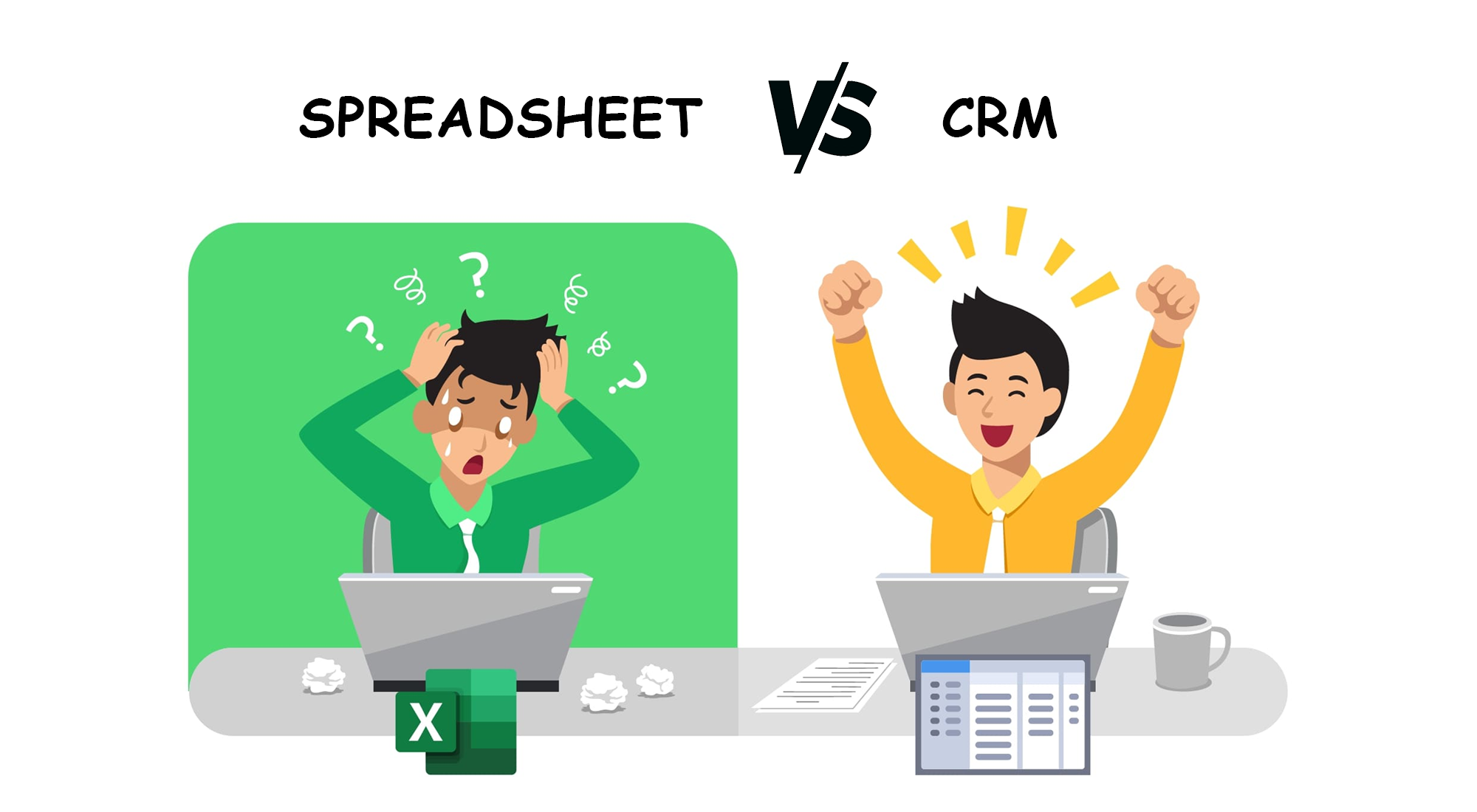
That is the core of the CRM vs Excel question. Both can store data. Only one of them was built to get the work done.
Excel keeps data. A CRM gets work done.
A school attendance register is a good example. It tells you exactly which child was absent on which day. But it never calls the parents. It never tells the class teacher, “This child has been absent for three days, please check.” Someone has to open the register, read it, and remember to act.
Excel is that register. It stores what you type. A CRM works more like a good class monitor. It reminds you whom to call today, which follow-up is overdue, and which enquiry nobody has touched. The data is the same. The difference is that one of them speaks up.
Key takeaway: The question is not “Where do I keep my data?” The question is “Who reminds my team what to do next?” Excel can’t. A CRM is built for exactly that.
Why do follow-ups get missed in Excel?
In Excel, a follow-up date is just text in a cell. If nobody filters the sheet that morning, the date passes quietly. The customer who said “call me on Thursday” never gets that call, and by the time someone notices, he has bought from somebody else.
In a CRM, the follow-up is a task with a reminder. It shows up on the salesman’s phone, it shows up on the manager’s screen if it is overdue, and it doesn’t disappear until somebody acts on it.
Is Excel built for teamwork?
Honestly, no. Excel was made for one person working on one file. In most offices I visit, the team version of Excel looks like this: a file called “Leads_final_new_2” is sent on the WhatsApp group, three people edit their own copies, and on Saturday someone tries to merge them by hand. When five people need to update the same list at the same time, things get overwritten, lost or duplicated.
A CRM is built for a team from day one. Everyone works on the same live records, each salesman sees his own leads, the manager sees everything, and every update has a name and a time on it.
Can Excel track your calls?
It can’t. Most Indian businesses sell on the phone, and Excel has no idea a call even happened. It can’t record the call, it can’t show you missed calls, and it can’t dial the next number for your telecaller. Someone has to type “called, not picked” by hand, and on a busy day, they won’t.
A CRM connected with cloud telephony or a calling app can log every call automatically, keep the recording with the customer’s record, alert you to missed calls, and in many setups let the team call with one tap or work through a dialling list.
Excel stores a status. A CRM guides the process.
In Excel, a lead has one column called “Status”: Interested, Follow-up, Closed. It tells you where things are, if someone remembered to update it. It does not tell anyone what to do next.
A CRM walks your team through the steps:
- Call the customer.
- Write notes on what was discussed.
- Set a reminder for the next contact.
- Follow up on the due date.
- Update the status.
- Plan the next action, so the lead never sits idle.
When every salesman follows the same steps, the process stops depending on who is good at remembering things.
How long does reporting take in Excel?
If you are good with filters and pivot tables, you can get a report out of Excel. But it takes time, it depends on clean data, and usually only one person in the office knows how to do it. By the time the report is ready, it is already old.
In a CRM, the common reports are a click away: calls made today, new enquiries this week, pending follow-ups, and how each staff member is performing. The owner can check them from the phone, without asking anyone to “send the sheet.”
CRM vs Excel: a quick comparison
| Task | Excel | CRM |
|---|---|---|
| Storing customer and lead details | Yes | Yes |
| Reminding who to call today | No, someone has to filter | Yes, automatic reminders |
| Many people updating together | Difficult, copies get mixed up | Built for teams |
| Call logs, recordings and missed calls | No | Yes, with telephony or a calling app |
| Guiding the next step | Only a status column | Tasks, notes and follow-ups |
| Daily reports | Manual filters and pivots | Ready reports in one click |
| Bringing in portal and website leads | Copy-paste | Can be automatic |
Excel is good. A CRM is necessary.
I want to be fair to Excel. It is a wonderful tool, and I still use it for calculations, planning and analysis. I just don’t think a growing business should run its customers on it. My line to owners is simple: Excel achha hai, CRM zaroori hai. Here are the signs you have reached that point:
- More than one or two people are updating the lead sheet.
- Leads come from several places: phone, WhatsApp, IndiaMART, TradeIndia, Facebook, your website.
- You have found a follow-up that was missed in the last month.
- Your team shares Excel files on WhatsApp and nobody is sure which is the latest.
- You can’t tell how many calls your team made today without asking.
- Making a weekly report takes someone hours.
- When a salesman leaves, his customer history leaves with him.
Key takeaway: If two or more of these signs sound familiar, your Excel sheet has done its 30 days. Moving to a CRM now is easier than moving after another year of messy files.
Frequently Asked Questions
Is Excel enough for managing leads?
For a very small business with one person handling a few leads, it can be enough for a while. Once a team, many lead sources and regular follow-ups come in, Excel starts missing things.
What is the main difference between CRM and Excel?
Excel stores data that you have to read and act on yourself. A CRM stores the same data but also reminds your team, tracks calls and follow-ups, and gives reports without manual work.
Can I move my Excel data into a CRM?
Yes. Most CRMs can import customer and lead lists from Excel, so you don’t have to start from zero.
Should I stop using Excel completely after getting a CRM?
No. Keep Excel for calculations and analysis. Just stop using it as the place where customer work happens.
At Sukam Apps, we have been helping businesses move from registers and Excel to Sukam Apps CRM since 2011. Our team imports your existing customer and lead data from Excel, connects your enquiry sources, and can add Sukam Cloud IVR or the Mobile App For Telecaller so calls and recordings land in the CRM. Training happens in person at your office in Punjab, Chandigarh and Haryana, and online across India, with a dedicated support person on phone and WhatsApp. Call +91 99142 49191 for a free demo.
Call or WhatsApp: +91 99142 49191 · WhatsApp