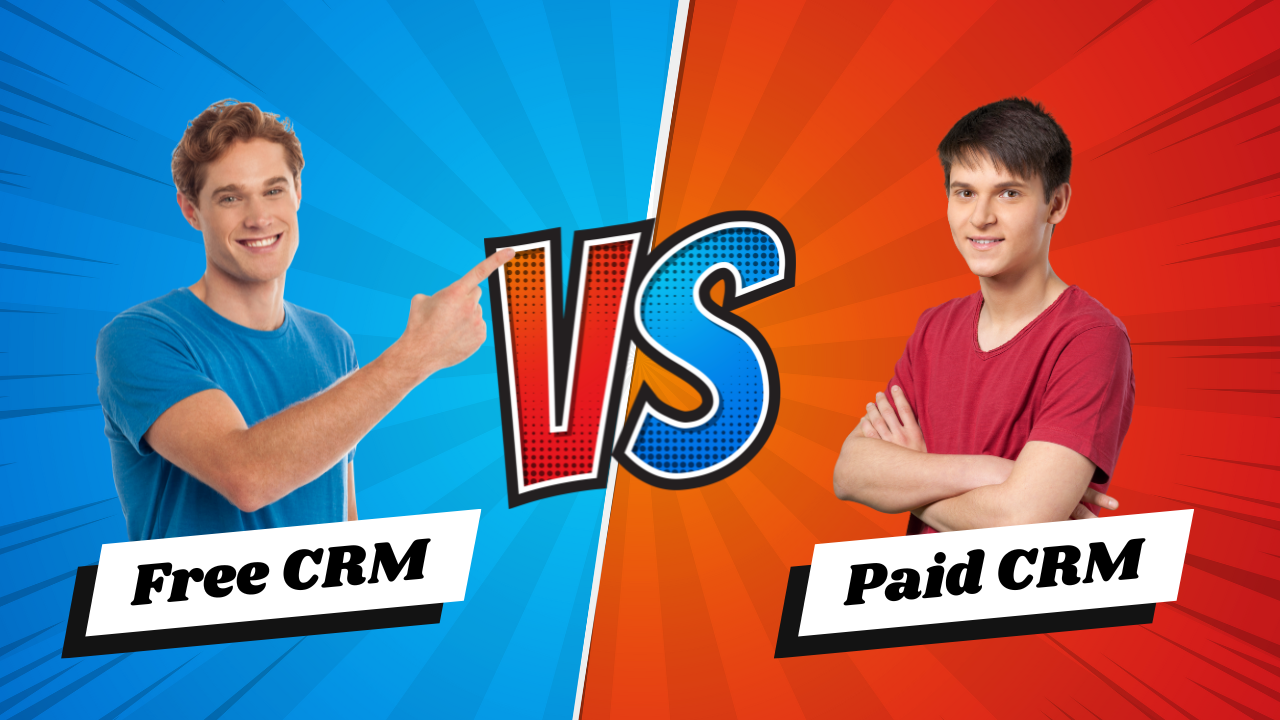
After his lunch with Bhupi paaji, Harjeet Singh Sandhu went home and did what most careful business owners do. He searched for a free CRM, signed up the same night, and started adding his forty workshop accounts in Moga. Rajiv Malhotra, his friend from Ludhiana, took the opposite road and started asking vendors about paid plans. A month later, both were back at the same table with the same question: free CRM vs paid CRM, which one is actually the right choice?
Bhupi paaji listened to both of them, finished his lassi, and gave an answer neither expected. “The cheapest CRM is not the one with the lowest bill. The cheapest CRM is the one your team actually uses.”
First, what is a CRM in simple words?
A CRM (Customer Relationship Management software) is one place where every enquiry, customer, call, follow-up and deal is recorded, so your whole team knows who to call, what was said, and what happens next. It replaces the register, the diary and the scattered WhatsApp chats with one shared memory for the business.
What does a free CRM give you?
Harjeet was honestly happy with the first two weeks. “Paaji, it is quite good. I added my workshops, I can see who owes how much, and I set reminders for payment follow-ups.”
That is what most free CRM plans are good at. They usually give you the basics:
- Contact and lead records with phone, address and notes.
- A simple sales pipeline with a few stages.
- Basic tasks and reminders.
- A mobile app or web login for a small number of users.
But free plans are designed with limits, because the company wants you to upgrade one day. The common limits are on the number of users, automation, reports, integrations with other tools, data storage, and support. Harjeet discovered the first one when he wanted to give his son and his counter boy a login. The free plan allowed only a couple of users.
What does a paid CRM add?
Rajiv’s situation was different. He has several salesmen, dealers in many states, and enquiries coming from IndiaMART, TradeIndia, his website and phone calls. For him, a basic contact list was never going to be enough. A paid CRM usually adds:
- Automation and workflows, such as auto-assigning new leads and sending follow-up reminders.
- Detailed reports and dashboards for each salesman, source and stage.
- WhatsApp and cloud telephony integration, so calls and chats are saved against the customer.
- Lead capture from portals, ads and website forms.
- API access to connect your other software.
- User roles and permissions, so a salesman sees only his own leads.
- Proper support and training when your team gets stuck.
Free CRM vs paid CRM: a side-by-side comparison
Bhupi paaji asked for a paper napkin and drew this. Treat it as a general picture. Every product is different, so always check the actual plan.
| What you need | Free CRM (usually) | Paid CRM (usually) |
|---|---|---|
| Contacts, leads and pipeline | Yes, basic | Yes, with custom fields and stages |
| Number of users | Limited | As many as you subscribe for |
| Automation and workflows | Very little or none | Auto-assignment, reminders, follow-up rules |
| Reports and dashboards | A few standard reports | Detailed reports by staff, source and stage |
| WhatsApp and calling integration | Rarely included | Usually available |
| Lead capture from portals and ads | Limited or paid add-on | Usually available |
| Permissions and data control | Basic | Role-based access |
| Support and training | Help articles, email | Phone support, setup help, training |
Is a free CRM really free? The wedding hall lesson
“Harjeet, when your cousin got married, didn’t a relative offer his farmhouse for free?” Bhupi paaji asked.
Harjeet laughed. “Yes paaji. The place was free. Then we paid for the generator, the chairs, the tent, the cleaning, extra water tankers, and the parking boys. By the end, it was not cheap at all.”
“A free CRM is the same farmhouse. The entry is free. The things you need on the wedding day are not.” Here is the hidden-cost checklist he gave them:
- User limits: what happens when your fourth or fifth staff member needs a login?
- Feature limits: are automation, reports or custom fields locked behind an upgrade?
- Integration costs: do IndiaMART, TradeIndia, WhatsApp or calling connections cost extra or need a separate tool?
- Data limits: is there a cap on contacts, files or storage?
- Support: is there a person you can call, or only help articles?
- Upgrade costs: when you outgrow the free plan, how much does the next plan really cost for your whole team?
- Data export and migration: can you take all your data out easily if you want to move later?
- Your team’s time: hours lost on workarounds are also a cost, even if no bill comes.
Key takeaway: Before choosing a free plan, write down where your business will be in one year: how many users, how many leads, which integrations. Then check what the free plan will cost you at that point, not just today.
When is a free CRM enough?
Bhupi paaji was fair to the free option. For some businesses, it is the right start.
- You are a one or two person business.
- Your lead volume is small and comes from one or two sources.
- You mainly need a contact list with reminders.
- You want to learn what a CRM feels like before committing.
Harjeet’s workshop accounts fitted this list at first. Forty workshops, him and his son, payment reminders. For a few weeks, the free plan did the job.
When does a paid CRM make sense?
Rajiv’s business fitted the other list, and for many Indian SMEs, these needs show up quickly:
- Several people talk to customers and you need to see who is doing what.
- Leads come from many sources: IndiaMART, TradeIndia, Justdial, Facebook, your website and phone calls.
- Your customers live on WhatsApp, and you want those chats inside the CRM, not on one salesman’s phone.
- You want calls recorded and missed calls followed up, through cloud telephony or a calling app.
- You have field staff who update from a mobile phone, on the road.
- Repeated follow-ups are getting missed and you want the system to remind people automatically.
What does “subscription” or SaaS mean?
Most paid CRMs today are SaaS, which means Software as a Service. You don’t buy and install the software on one computer. You pay a subscription, usually monthly or yearly, and your team uses it on the internet from the office, home or phone. Updates and backups are handled by the provider. The upside is a low starting cost and no server headache. The thing to check is the total yearly cost for all your users, and what is included in that.
How to choose: five questions before you pick
- How many users will need a login now, and in one year?
- How many leads do you get in a month, roughly?
- Where do your leads come from: portals, ads, website, calls, walk-ins, WhatsApp?
- What is your sales process? Write it as steps, for example: Lead → Qualify → Follow-up → Proposal → Negotiation → Sale.
- Which tools must the CRM connect with: WhatsApp, calling, Tally, your website?
If the answers are small and simple, start free. If the answers involve a team, many sources and WhatsApp plus calling, compare paid options seriously, and ask for a demo using your own process, not a generic one.
What happened to Harjeet and Rajiv
Two months later, Harjeet had a problem the free plan could not solve. His son was following up workshops on WhatsApp from his own phone, and nothing reached the CRM. Payment promises were in chats, reminders were in the CRM, and the two never met. The CRM was free, but the team had quietly stopped using it.
Rajiv, meanwhile, had chosen a paid CRM that pulled his portal leads in automatically and showed every salesman’s follow-ups on one screen. His salesmen used it because it saved them work, not because they were told to.
“So which one was cheaper?” Bhupi paaji asked.
Harjeet smiled. “Not the one with zero on the bill, paaji. The one my team actually opens every morning.”
Key takeaway: Don’t compare only the bill. Compare how much of your team’s real work the CRM will handle. A CRM nobody uses is the most expensive one.
Frequently Asked Questions
Is a free CRM good enough for a small business?
It can be, if you are one or two people, your lead volume is small and you mainly need contacts and reminders. Check the user, feature and integration limits before you rely on it.
What are the hidden costs of a free CRM?
Common ones are user limits, locked features, paid integrations, storage caps, limited support, upgrade costs as you grow, and the effort of moving your data later.
Can I move from a free CRM to a paid CRM later?
Usually yes, if the free CRM lets you export your data, for example to Excel. Check the export option on day one, so your data is never stuck.
Does a paid CRM work with WhatsApp and phone calls?
Many paid CRMs integrate with WhatsApp and cloud telephony, so chats, calls and recordings are saved against the customer. Ask the vendor to show this live in the demo.
Sukam Apps CRM covers sales, marketing and helpdesk in one place, and connects with IndiaMART, TradeIndia, Justdial, Facebook, your website, WhatsApp and cloud telephony. If you are moving from Excel or an old system, our team can import your customer and lead data. Setup and training happen in person at your office in Punjab, Chandigarh and Haryana, and online across India, with a dedicated support person on phone and WhatsApp. Book a free demo and see it with your own sales process.
Call or WhatsApp: +91 99142 49191 · WhatsApp